
Choose a format
See the questions first. Answer by video, voice, or text—even when a format is preferred.
Ask focused questions about what the résumé leaves open. Candidates respond by video, voice, or text, and their answers add evidence to the role-specific evaluation before the interview.

TrueRole uses the role’s criteria and this candidate’s evaluation to draft questions about what is still unclear. Each question connects to a specific requirement and the experience already described. Review, edit, or write your own before inviting the candidate.
Start with the role, existing candidate evidence, and the questions it leaves open.
Draft candidate-specific questions from the role criteria and gaps in the existing evaluation. Review, edit, or add your own before inviting them.
Share a private, company-branded link. Video, voice, and text remain available.
Submitted responses are analyzed as additional evidence against the same role criteria.
The open question
A cross-team rollout is relevant.
Which decisions did Alex own?
A tailored question from the evaluation
“Your portfolio describes a design-system rollout across three product teams. Which strategic decisions did you personally own, and how did you measure their impact?”
Reviewed by the hiring team before sending
Private evaluation findings inform the question; they are not shown to the candidate.
Submitted responses are analyzed against the same role criteria. The finding shows what the answer adds and where further validation would help.
Original submission · One update remaining before the deadline
72 → 74Overall Role Fit
The role-fit score increased by 2 points. Alex explains a prioritization decision, the migration approach, and adoption across three teams. This adds specific support for strategic ownership beyond the portfolio’s general claim. The adoption outcomes and the extent of Alex’s authority still need validation.
Findings are extracted from the candidate’s responses. Team review and score visibility follow the role’s feedback settings.
Lead Design System Strategy · SPECIFIC SELF REPORT
The adoption outcomes and the extent of Alex’s authority still need validation.
“I owned the component prioritization and migration plan. I prioritized shared navigation before team-specific components and agreed milestones with each team’s lead. By the third release, all three teams were using the shared navigation. I tracked adoption and support requests after each release.”Candidate self-report adds specific evidence. In this example, specific decisions and a reported outcome strengthen the strategy finding. The score moves from 72 to 74; independent validation of the outcome remains open. Responses can also leave a score unchanged or reveal a gap.
A private, company-branded questionnaire gives candidates room to answer thoughtfully.
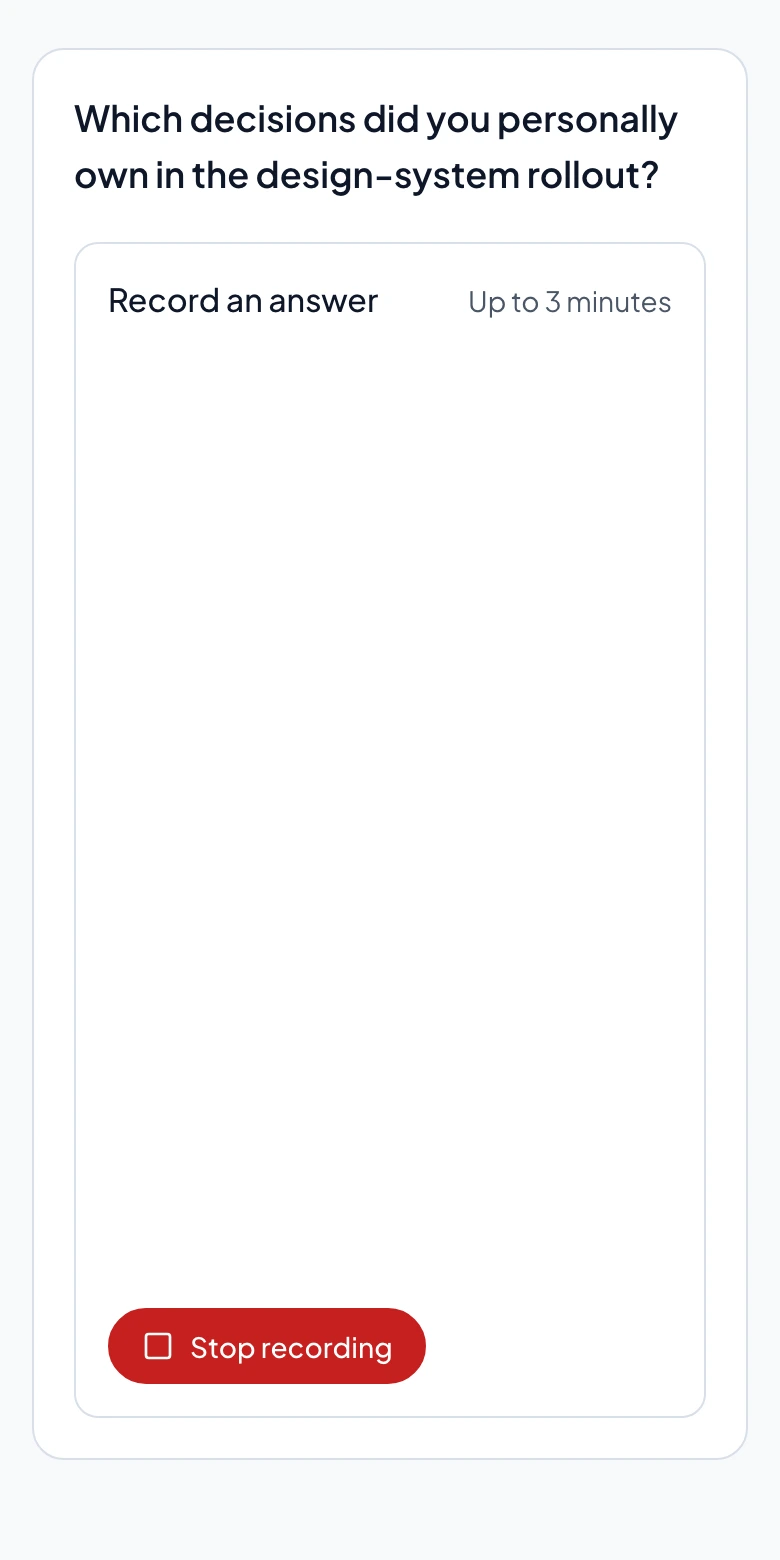
Your portfolio describes a design-system rollout across three product teams. Which strategic decisions did you personally own, and how did you measure their impact?
Video and voice answers are transcribed. Candidates can review and correct the transcript before submitting.
See the questions first. Answer by video, voice, or text—even when a format is preferred.
Save progress, preview recordings, and review and correct machine transcripts before submitting.
Submit one update before the invitation deadline while the application is open and updates are allowed.
Responsible screening
Answers are analyzed against the role’s requirements. Video and voice responses are transcribed, so the analysis focuses on what candidates say about their experience. Candidates can review and correct those transcripts before submitting.
Your team chooses whom to invite, reviews the findings, and decides who advances. A response can clarify a claim while still leaving something to check in an interview.
Trust & PrivacyTrueRole Screening lets selected candidates answer focused questions on their own schedule. Your team starts from an existing evaluation and shares a private invitation link. Candidates can add details about experience the résumé leaves unclear.
The content analysis uses the transcript of what candidates say about their experience. Video is not analyzed for appearance. Candidates can review and correct the transcript before submitting. Communication notes are reviewed separately and do not automatically change the content score.
Write your own questions or ask TrueRole to draft them from the role criteria and gaps in the evaluation. Your team can edit, reorder, or remove questions, then choose whom to invite.
TrueRole Screening is not a live AI voice interviewer. Candidates answer a set of hiring-team-reviewed questions on their own schedule, with video, voice, or text available. The team uses the additional evidence to decide what to explore next.
Yes. Candidates can choose video, voice, or text for each answer, even when the hiring team prefers one format. Recordings can be up to three minutes per answer. The content score evaluates the answer, with no bonus for choosing a particular format.
Candidates can save progress and return through their private link, preview recordings, and review and correct machine transcripts before submitting. They can submit one update before the invitation expires while the application remains open and updates are allowed. Saving a draft does not use that update.
After submission, TrueRole analyzes the answers against the role’s criteria and connects relevant passages to the evaluation. A candidate’s account adds context but may still need verification. Your team reviews the findings; Screening does not independently decide whether someone advances.
Walk through question preparation, the candidate experience, and the findings your team receives.